
Timing Tower
How Split Gate works
Follow one athlete from a race result to the next start line. Every screen below is the real app.


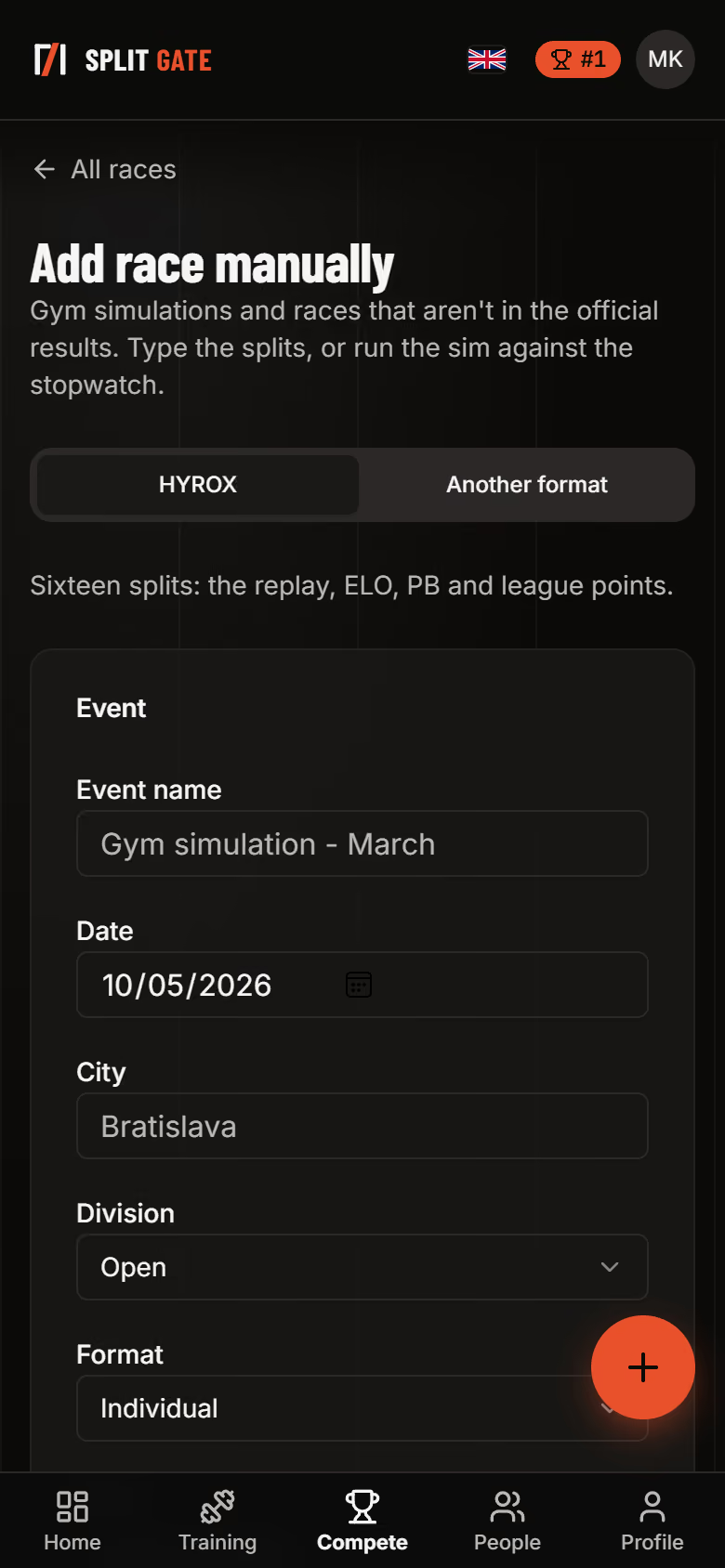
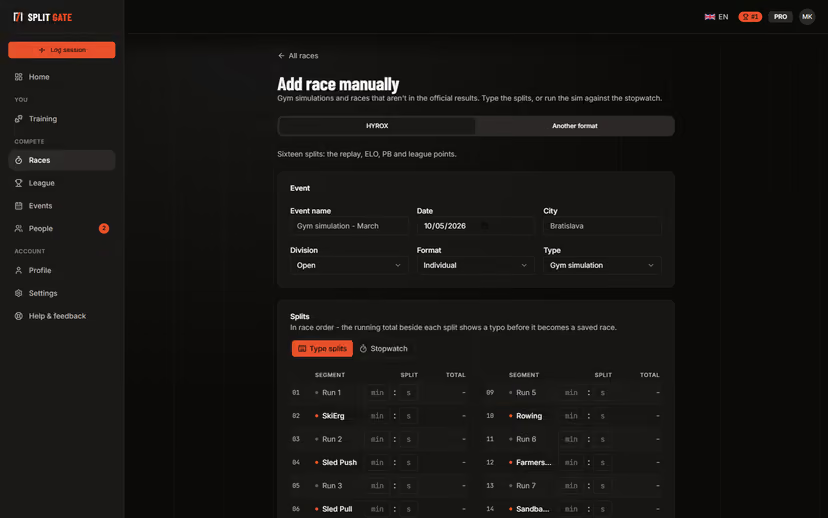
Add your race
Type in the sixteen splits from your results, or run a simulation in the gym against the stopwatch. Other formats such as DEKA or Spartan go in too.
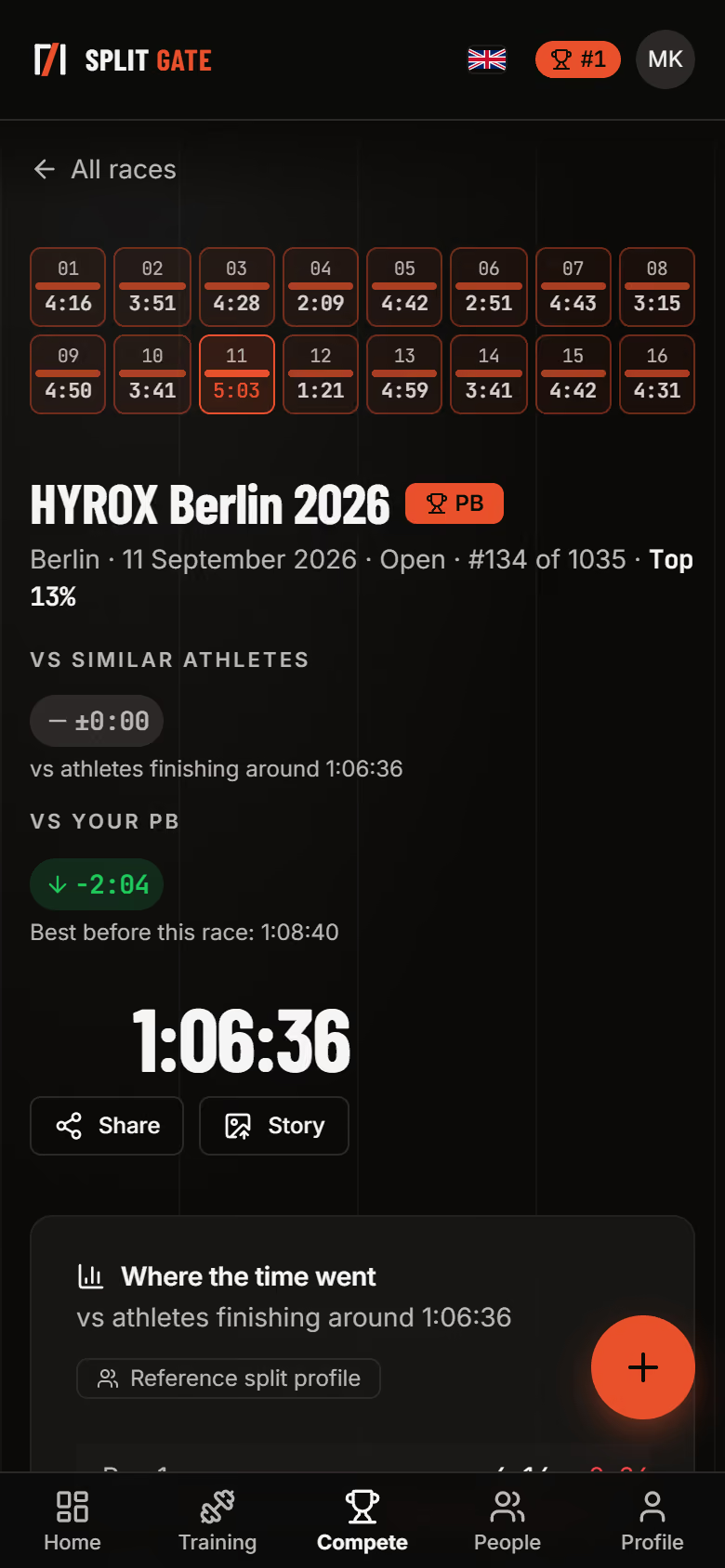
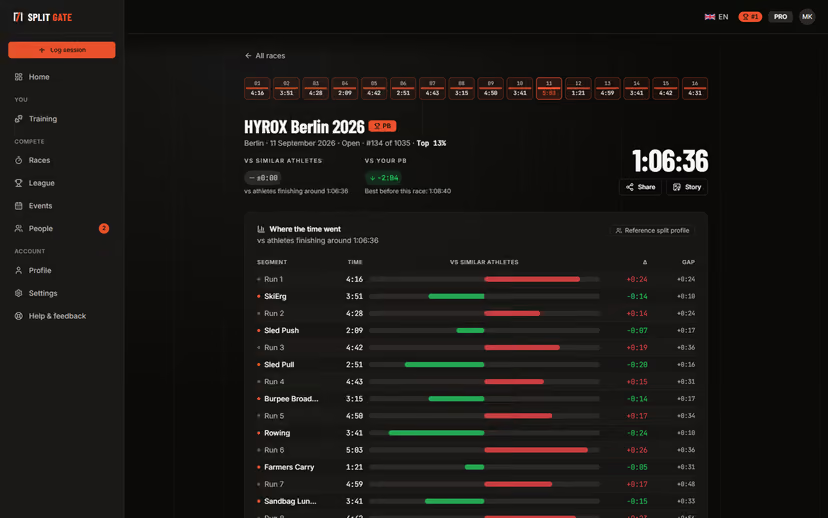
See where the time went
Each run and station is set against athletes who finished around your time. Red is where you lost time, green is where you gained it.
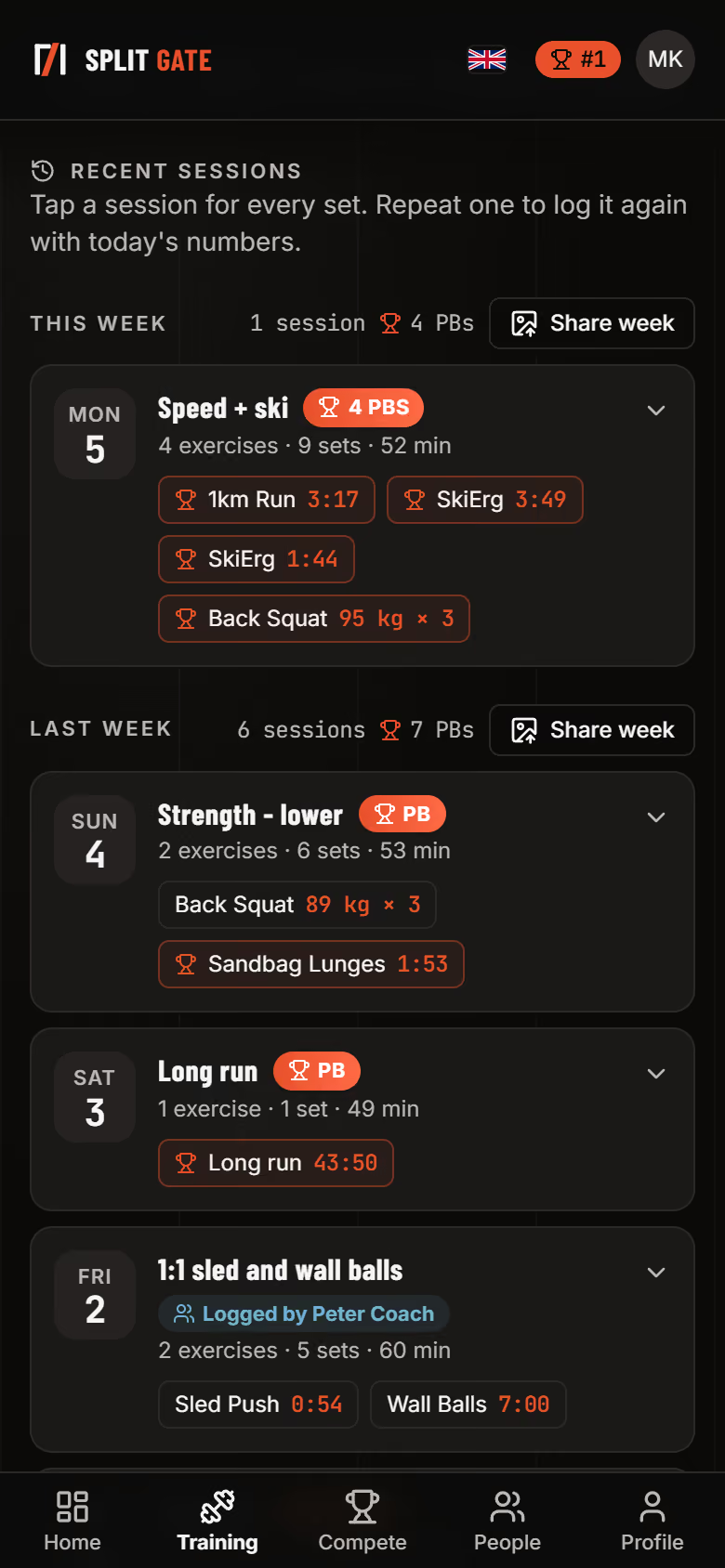
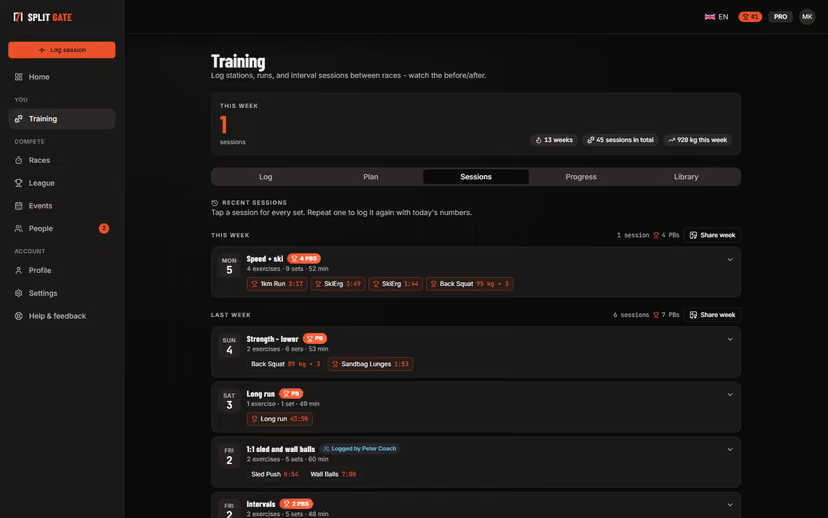
Log your training
Runs, stations, strength and your own exercises in one log, typed or spoken. Personal bests are flagged the moment you save.
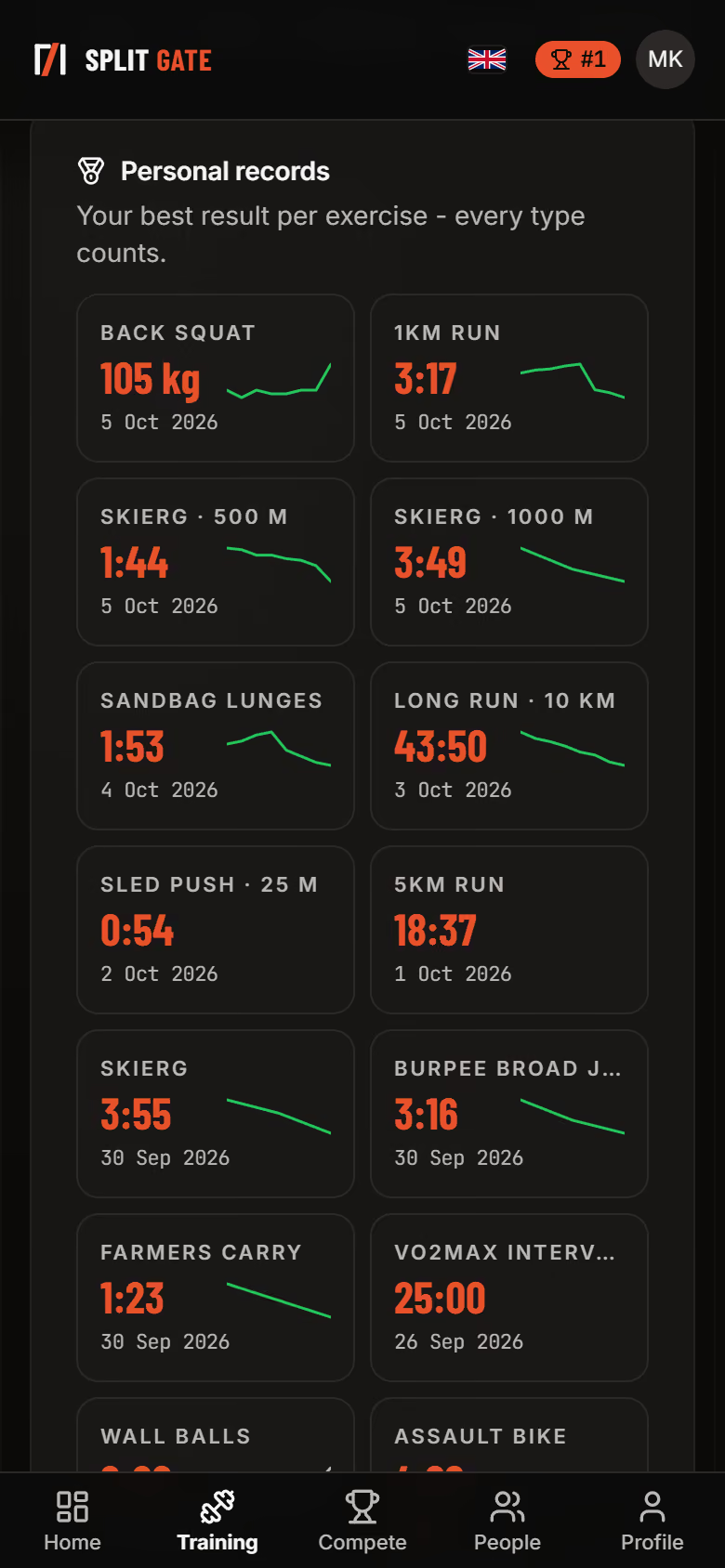
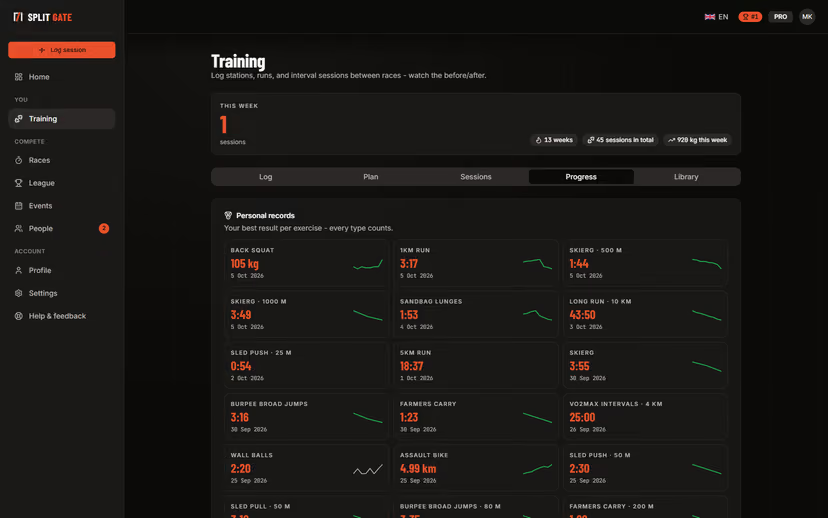
Watch your records move
Every exercise keeps its best result and its trend, so you can see what is improving and what has stalled.
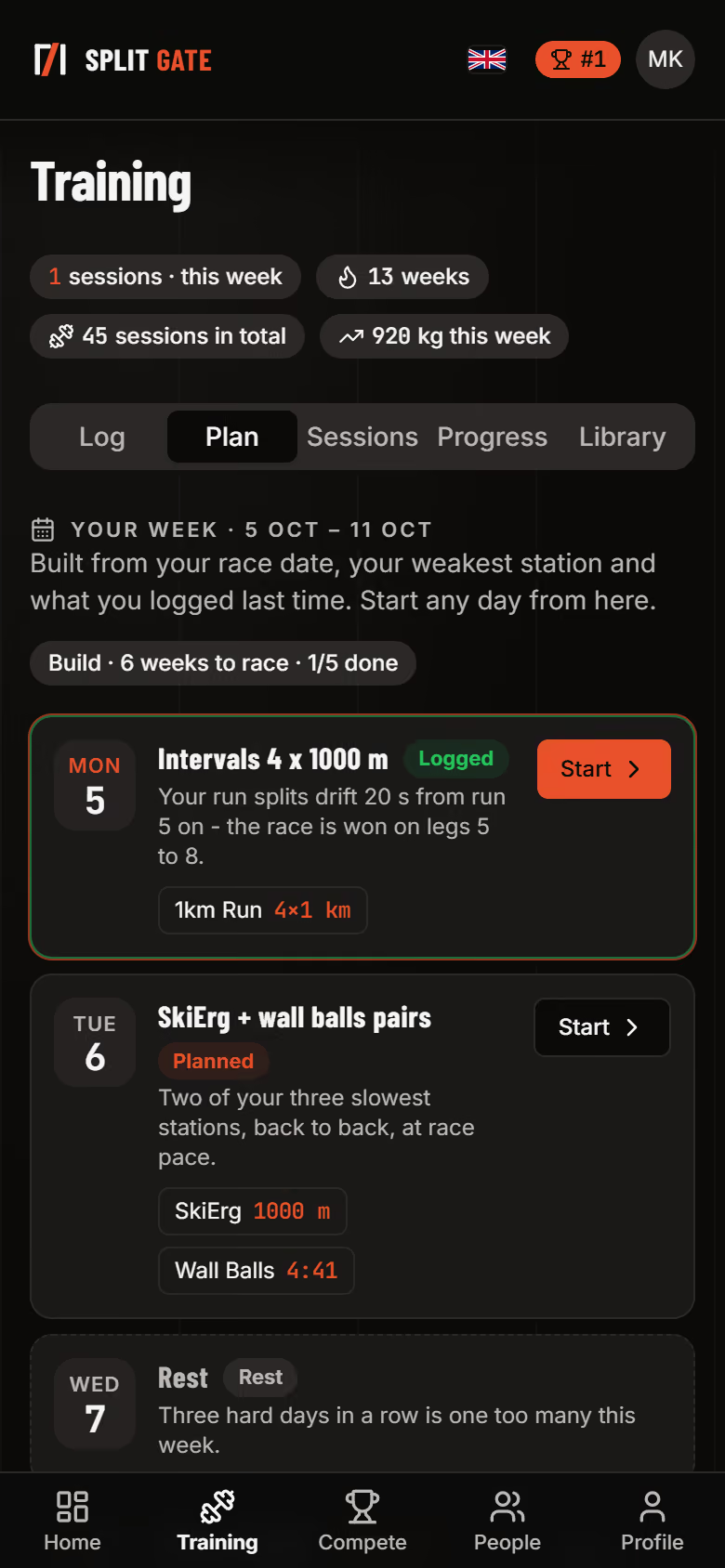
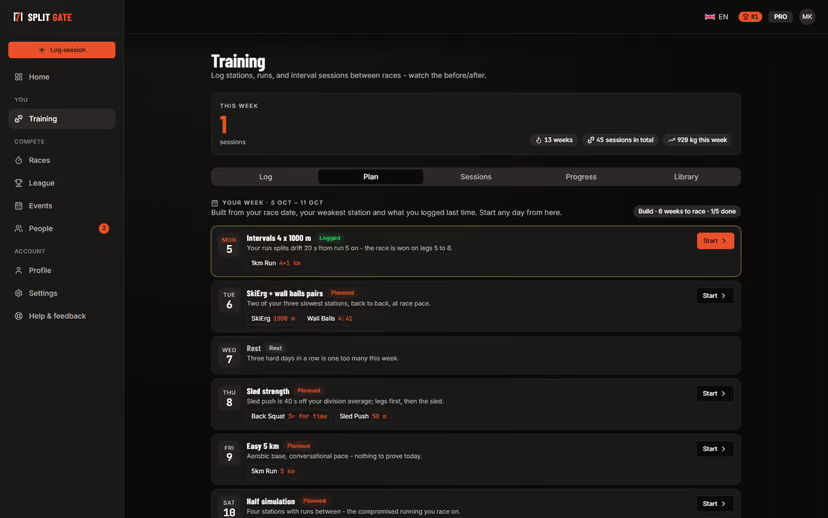
Get a plan for the weekPro
A week built from your race date, your weakest station and what you logged last time. Start any day straight from the plan.
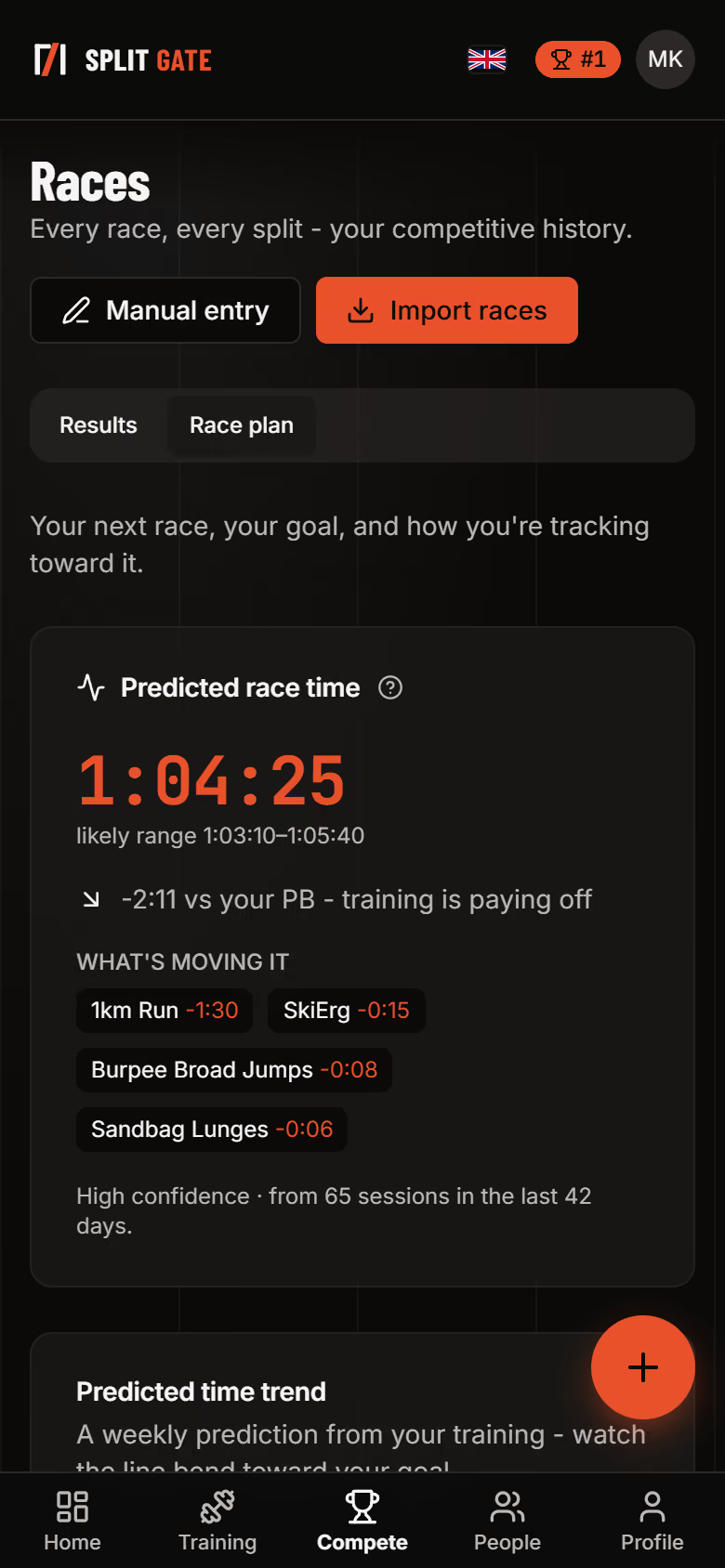
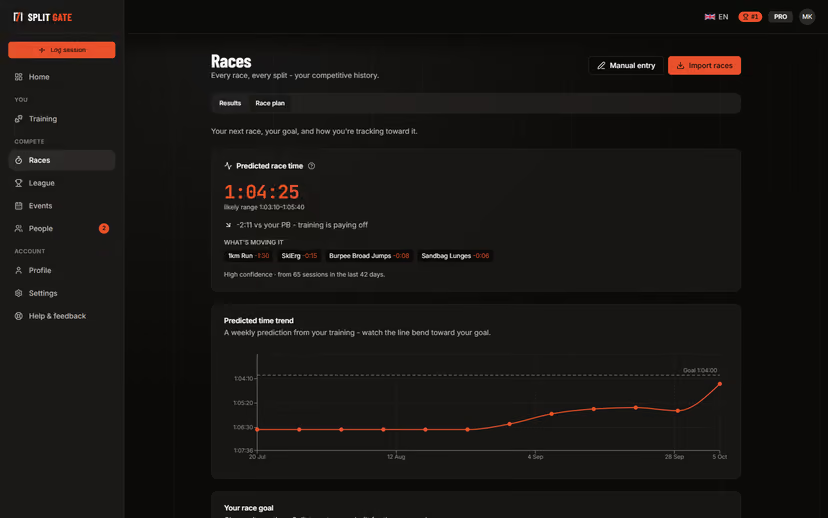
Know your likely finish timePro
Your training feeds a predicted race time and shows which stations are moving it, so you know before race day whether the work is showing.
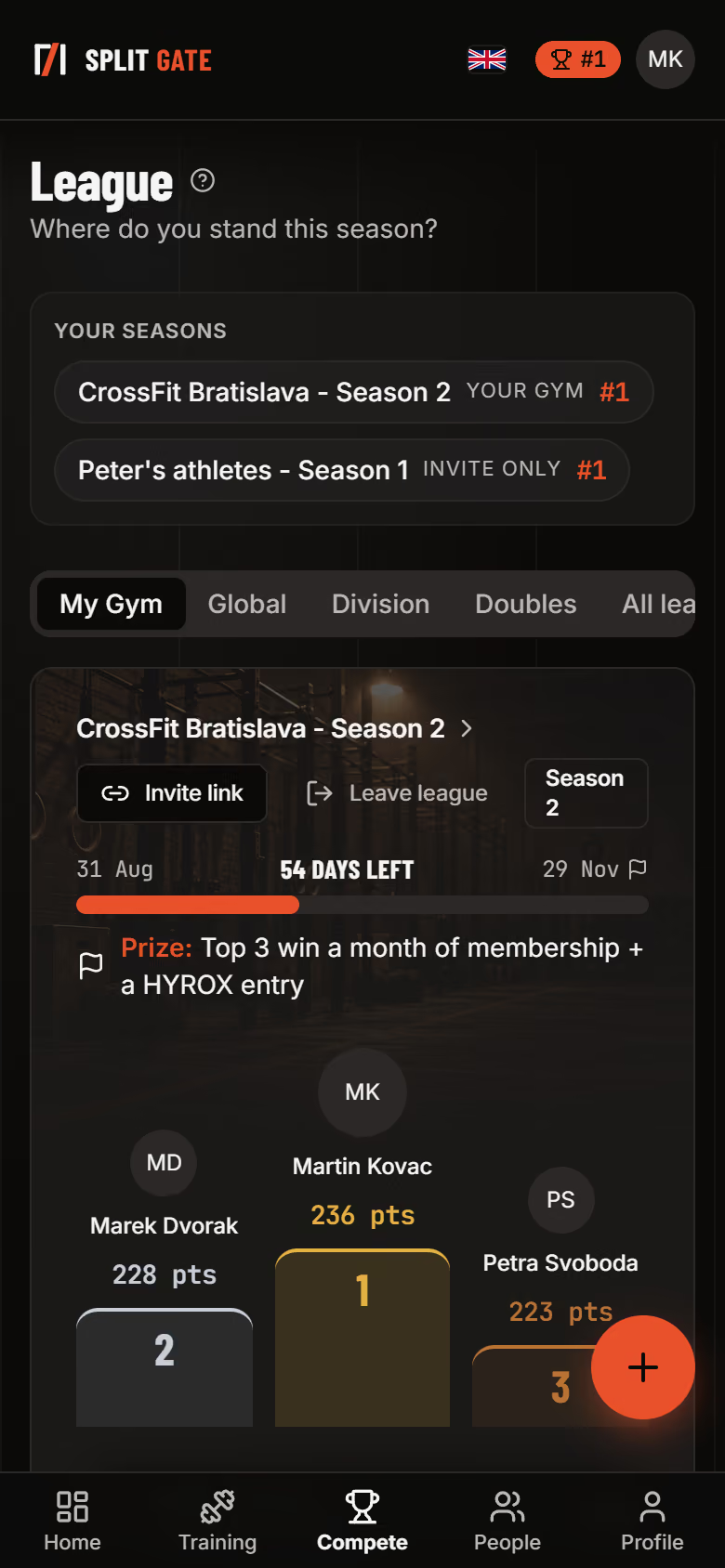
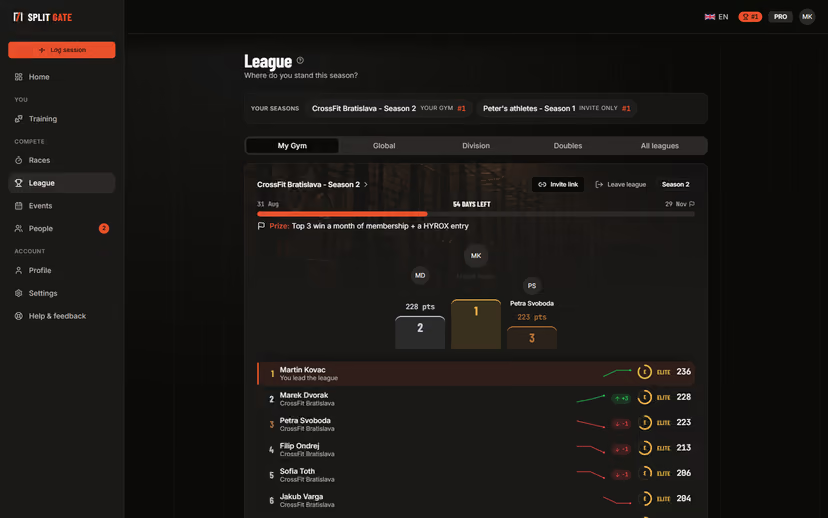
Compete in your gym's league
Training and races earn points, the table changes every week, and you can see who is closing in on you.
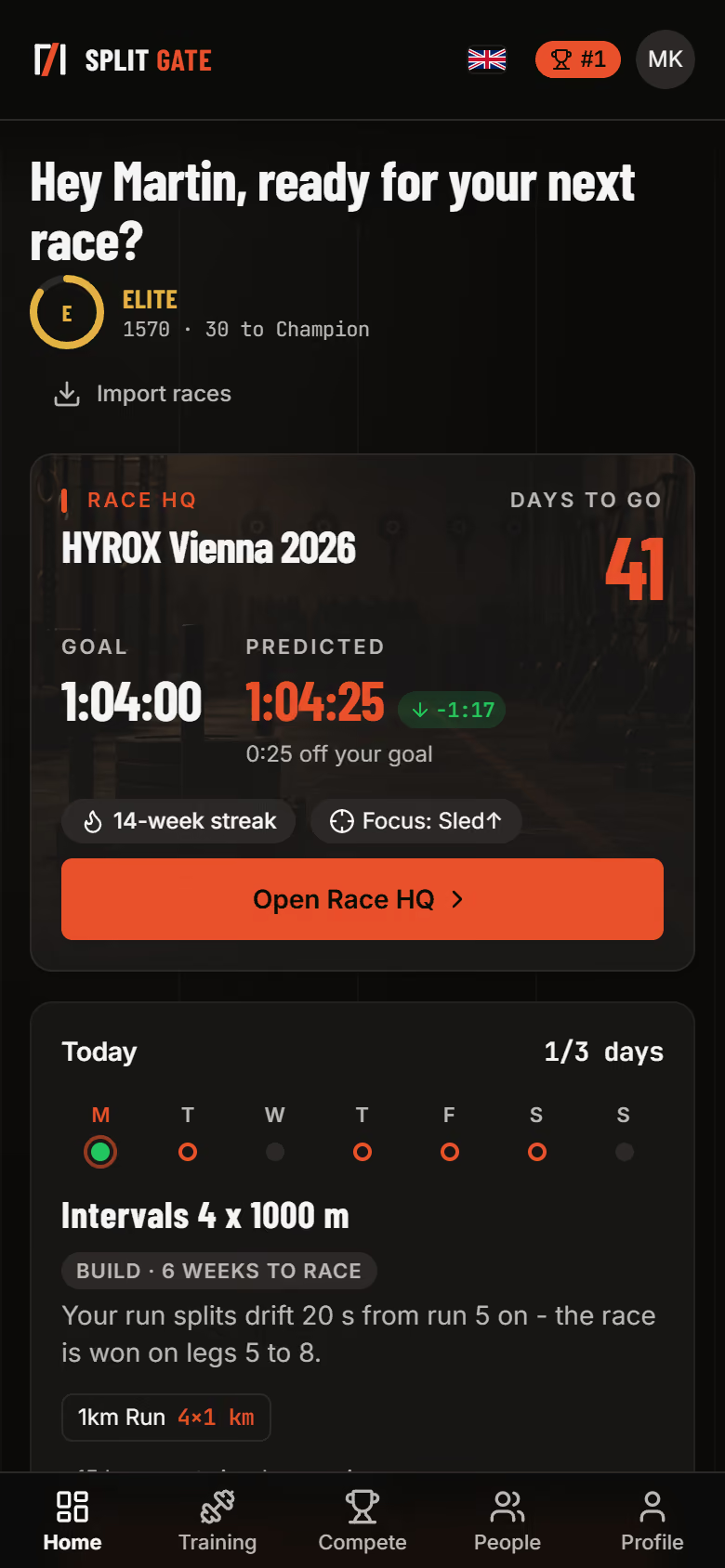
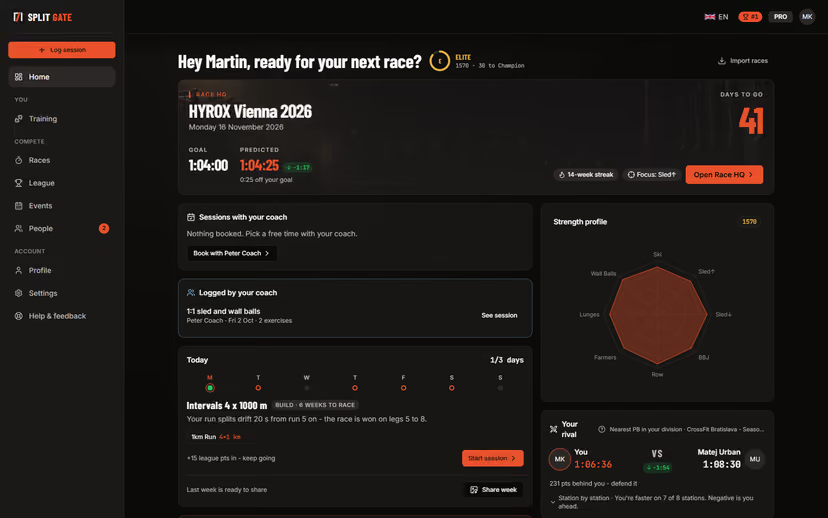
Start every day from the lobby
Your next race, today's session, your rival and your standing on one screen.
The other walkthroughs
Coaches
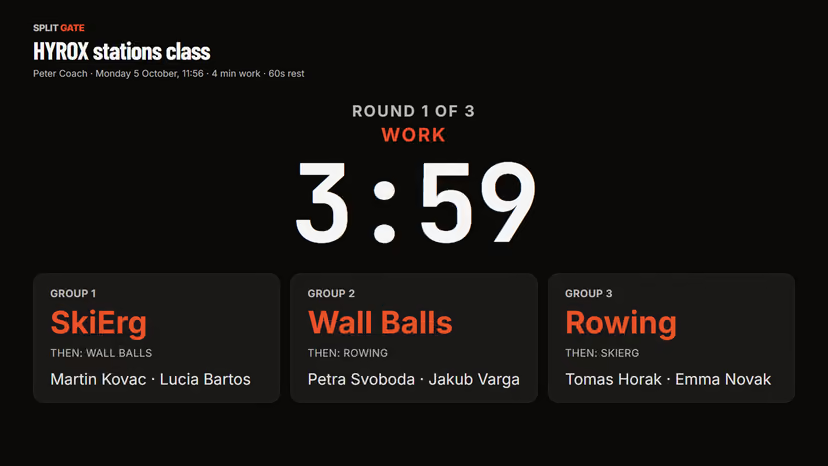
Every client's races and training in one roster, the numbers behind each of them, and Class Mode to run a group and log everyone's results at once.
See the coach walkthrough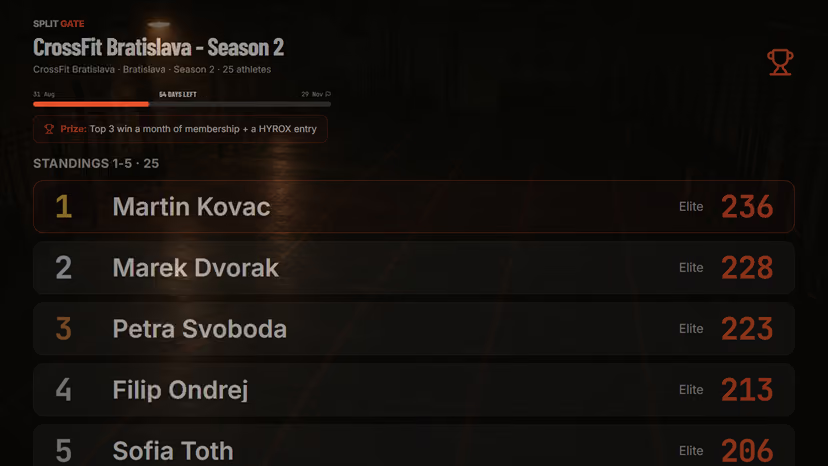
Gyms
A season league on the TV, your own events, and the numbers on who trains, who improves and who is fading.
See the gym walkthroughTry it with your own numbers
The free plan is enough to add a race, log training and join your gym's league.